
What is it?
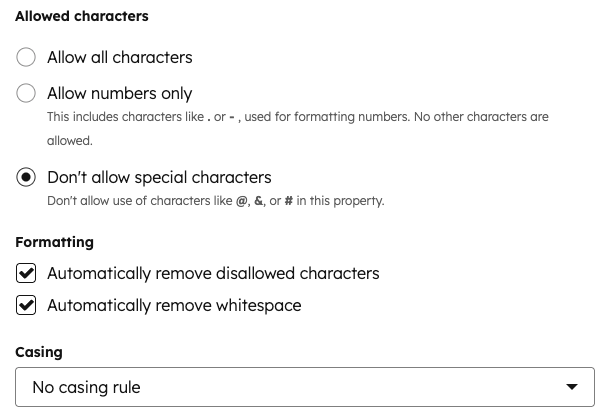
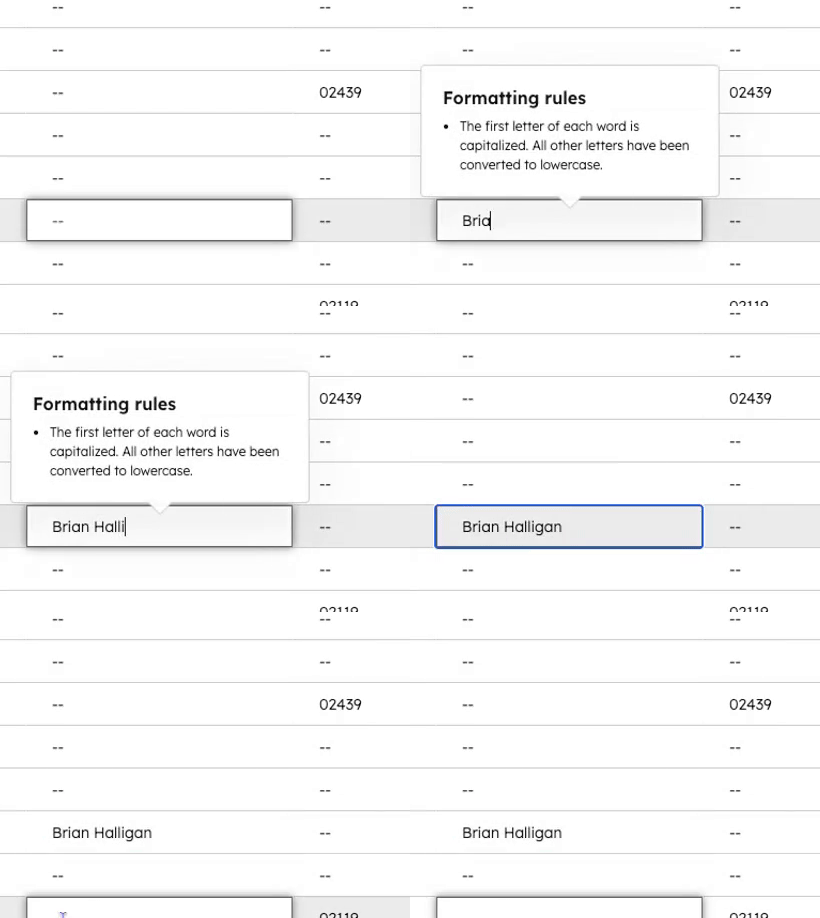
You can now automatically remove extra whitespace and apply consistent casing (like uppercase, lowercase, or title case) to your text properties.Why does it matter?
Clean, reliable, and organized CRM data enables more accurate reporting, automation, and personalization. Desired formatting ensures consistency with your unified data by automatically applying consistent rules to text properties. For example, you can now ensure that:- Names use title case
- Custom tags stored as properties are all uppercase
- Zip codes have no whitespace
How does it work?
- Go to Settings > Properties.
- Create or edit an existing property.
- In the Rules tab, select Validate using simple rules and configure your allowed characters.
- Based on your selection of allowed characters, select your formatting and casing rules.